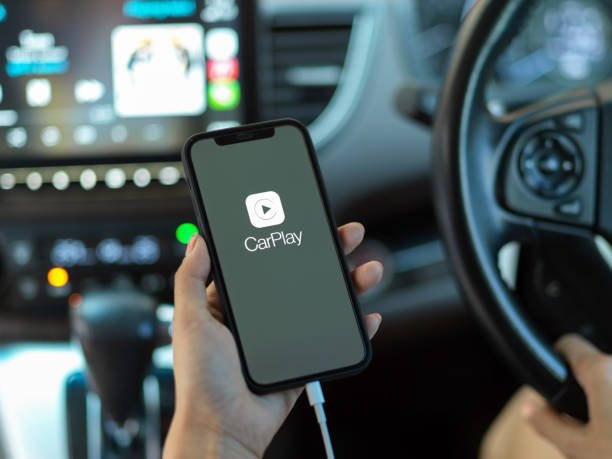
THE LEXUS RX, A MULTIMEDIA CAR.
The 2018 Lexus RX is a high-end car with high-end features. However, if you’re an iPhone user, it’s natural to want to integrate your phone into your car’s infotainment system. That’s where Carplay comes in. Carplay is an iPhone connectivity technology that enables the integration of all your phone’s features into your car. In this blog, we’ll discuss installing Carplay in a 2018 Lexus RX with a Carplay module.
INSTALL CARPLAY IN THE LEXUS RX.
Before beginning the installation process, it is important to note that you will need a compatible Carplay module for your 2018 Lexus RX. You can purchase a compatible Carplay module from our website https://canstarstore.com/product/lexus-carplay-interface/. Please note! Product unavailable at dealerships!
Step 1: First, switch off your car and disconnect your battery to avoid electrocution during installation.
Step 2: Remove the existing infotainment system from your 2018 Lexus RX. You will need a Torx screwdriver for this. It is also recommended that you carefully read the installation diagrams provided.
Step 3: Once you’ve removed the infotainment system, connect the Carplay module to the few original cable connectors.
Step 4: Reconnect your car’s battery and switch on your multimedia system. You should now see the Carplay icon on the screen.
Step 5: Connect your iPhone to the Carplay module using the original cable supplied in the Iphone box, or simply connect it wirelessly, as all the devices we offer are wireless (Bluetooth + Wifi).
You’re now ready to use Carplay in your Lexus RX 2018!
Installing Carplay is a great way to enhance your driving experience in your Lexus RX 2018. Thanks to Carplay, you can easily access all the features of your iPhone in a convenient and comfortable way. Although installation may seem daunting, it’s important to follow the instructions carefully and take all necessary safety precautions. We hope this guide has helped you install Carplay in your 2018 Lexus RX with the Carplay module. Enjoy!