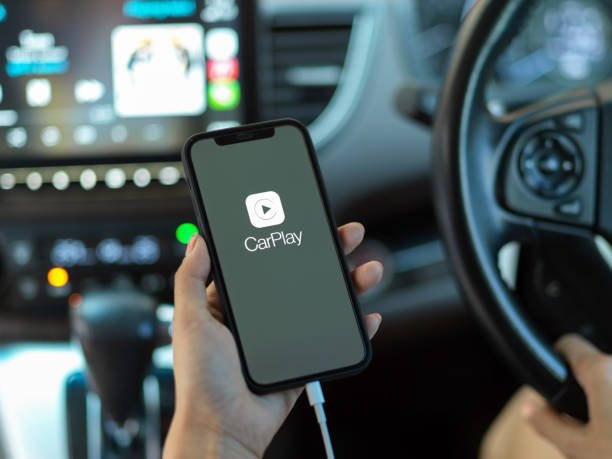
We finally have a solution for current and future Volvo V60 owners who want to have CarPlay in their car. Find out more in this article. Be sure to read it all the way to the end.
VOLVO V60 PRESENTATION
The Volvo V60 is a compact car from Swedish carmaker Volvo. It is available in gasoline and diesel versions, as well as front-wheel drive and all-wheel drive.
In terms of design, the 2016 V60 boasts a sleek body, dynamic lines and an elongated hood. The front of the car is dominated by the iconic trapezoidal grille, while the rear uses “L”-shaped taillights and an integrated rear spoiler. This kit gives the V60 a look that’s both sporty and elegant.
In terms of equipment, the 2016 V60 has a long list of options to choose from, including leather seats, panoramic sunroof, navigation system, premium audio system, rearview camera system, park assist technology and various safety systems, including blind spot monitoring and cruise control.
Overall, the 2016 Volvo V60 is a stylish and well-equipped compact car, offering a range of powerful yet economical engines, and numerous customization options.
CARPLAY PRESENTATION

CarPlay is an Apple technology designed to allow drivers to connect their iPhone to their car and access certain phone features directly on the car’s screen.
CarPlay applications include navigation, music, messaging and phone apps, as well as other third-party apps. With CarPlay, drivers can use voice commands, steering wheel buttons or the car’s touchscreen to control these apps without reaching for their phone. CarPlay is compatible with a wide variety of vehicles, including many models from popular automakers.
CARPLAY INSTALLATION ON VOLVO V60
If you’d like to buy a CarPlay module, you can find it on our website carplay.co.uk. You don’t need to be a professional to install CarPlay on your Volvo V60. Our products are “plug and play”, so all you have to do is unplug your current system and plug in the new one.
Here are the steps to use CarPlay on your Volvo V60:
- Connect your iPhone to your car with a USB cable.
- If your car doesn’t automatically recognize your iPhone, press the Source button on your car screen and select USB.
- On your phone screen, open Settings and press General.
- In the “Car Play” section, tap on “Available cars”.
- Find your Volvo V60 in the list of available vehicles.
Once the Carplay module has been installed, you’ll finally be able to use Carplay wirelessly, otherwise you’ll need to connect your iPhone to your car with a USB cable.
If you feel uncomfortable, please consult a professional who will be able to help you.
After setting up CarPlay, you can use the CarPlay app on the car’s display by pressing the CarPlay button.